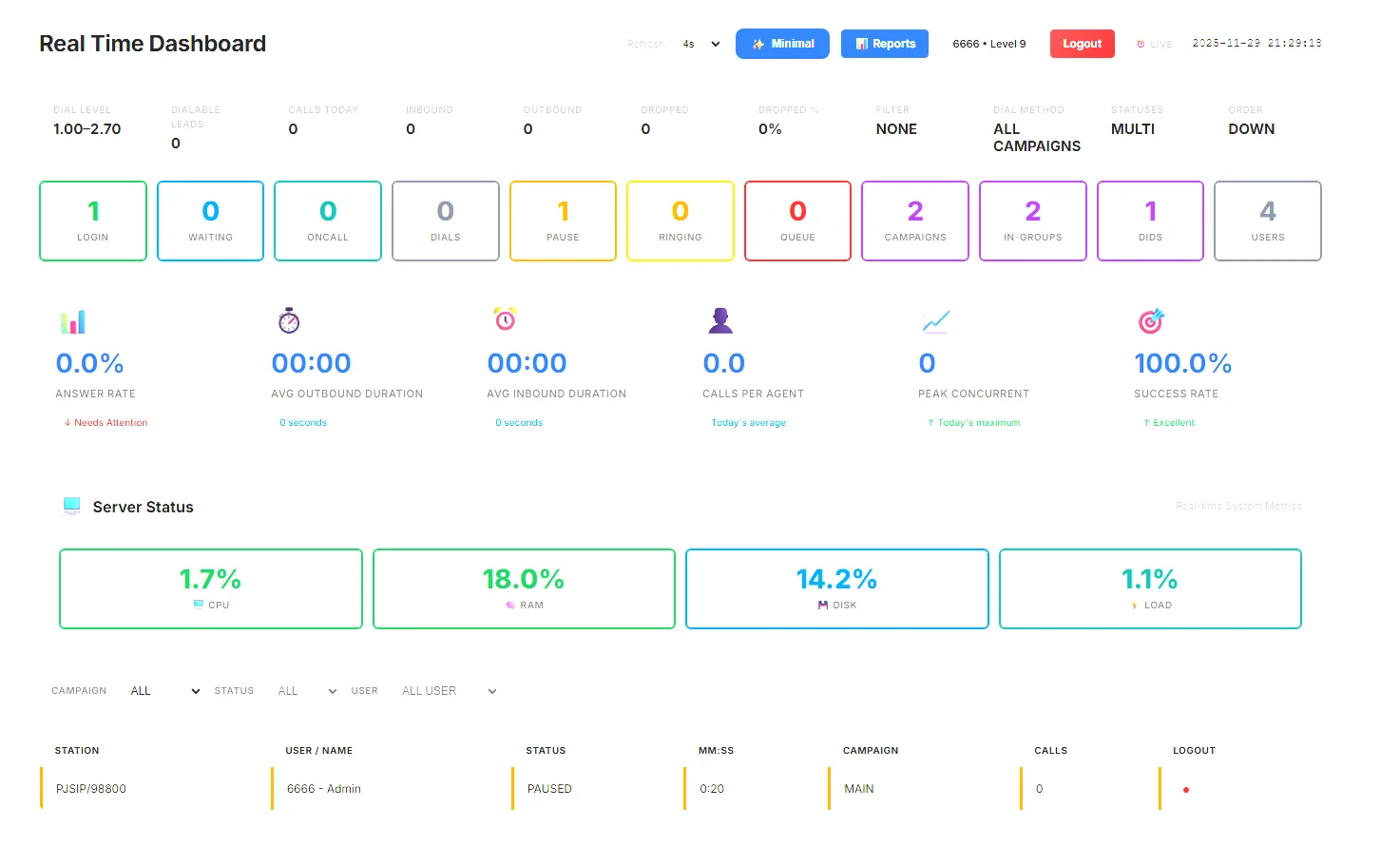
Vicidial Realtime dashboard V2
HBTDASHBOARD (READ-ONLY) — Safe for Production
===================================================
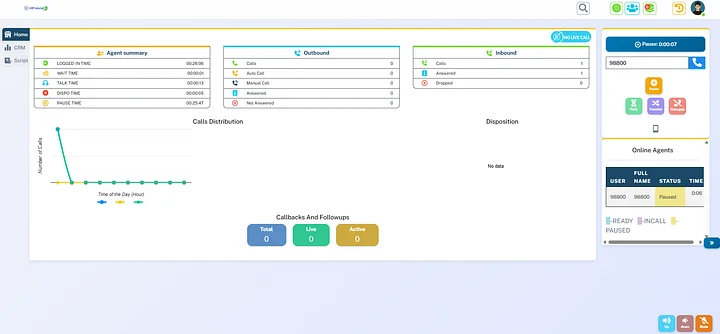
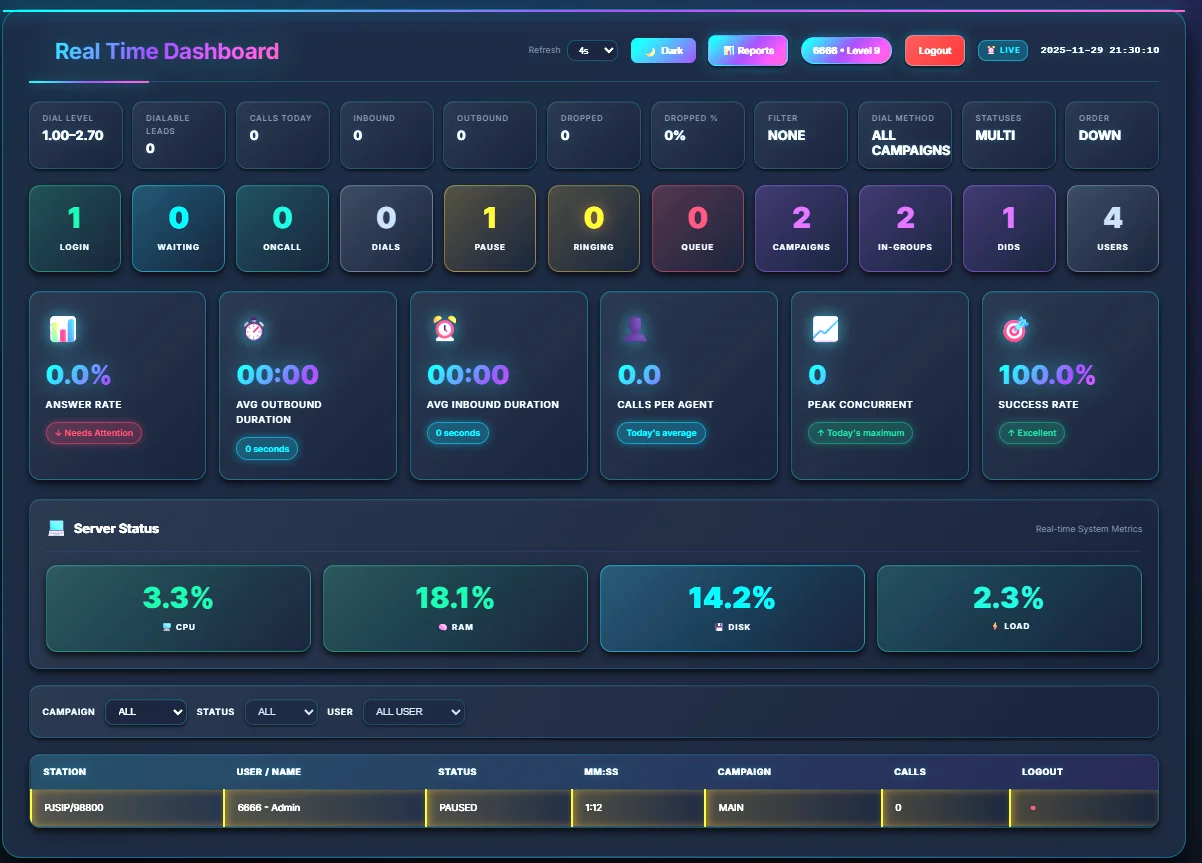
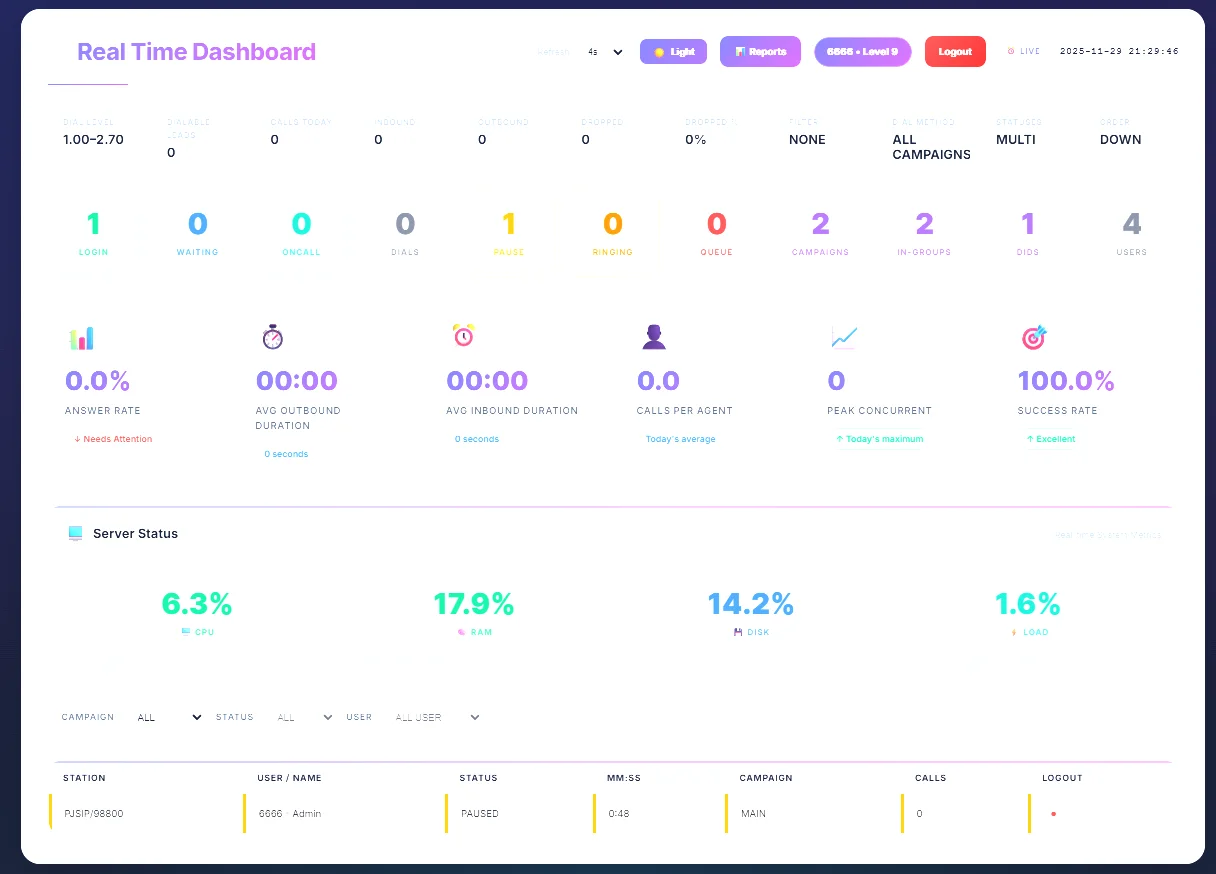
This dashboard is a separate, read-only panel that shows Vicidial stats.
It DOES NOT modify Vicidial and uses only SELECT queries. You can deploy it
on the same server or a small VM. Agents can keep dialing; this panel is safe.
✅ Live view of active calls & agents
✅ Monitor outbound, inbound & drop calls in real-time
✅ Custom filters for campaigns, in-groups & DIDs
✅ Better visibility for supervisors & QA
✅ Faster decision-making for scaling, pacing & performance
✅ Perfect for call centers using VICIDIAL / ViciBox
Whether you’re a call center owner, manager, or VICIDIAL admin, this setup helps you see everything clearly without digging through multiple default reports.
Files
-----
- index.php -> main dashboard page
- config.php.sample -> copy to config.php and set your DB password/host
- assets/style.css -> Light Modern theme (default)
- assets/style-dark.css -> Dark Cyberpunk theme
- assets/style-minimal.css -> Minimal Clean theme
🎨 NEW: 3 Design Themes Available!
-----------------------------------
Click the "Theme" button in the header to switch between:
☀️ Light Modern (default)
🌙 Dark Cyberpunk (for night shifts)
✨ Minimal Clean (for data focus)
Your preference is saved automatically!
Quick Install (AlmaLinux 9)
---------------------------
1) down the file install shop after you purchase
2) upload in you dialer in web folder /srv/www/htdocs or /var/www/html
3) Upload this folder to the server, e.g. /var/www/html/dashboard
==is you install scratch)
cd /var/www/html
once already uploaded extract
unzip hbt_dashboard.zip
==for vicibox
cd /srv/www/htdocs
once already uploaded extract
unzip hbt_dashboard.zip
4) Configure DB credentials:
cd /var/www/html/hbt_dashboard
sudo cp config.php.sample config.php
sudo nano config.php
# set DB_HOST (usually 127.0.0.1), DB_USER 'cron', DB_PASS, DB_NAME 'asterisk'
Notes
-----
- Auto-refresh every 4 seconds
- 100% read-only (no UPDATE/DELETE/INSERT anywhere)
- If you want to add/rename tiles, edit index.php (search for CARDS SECTION).
- NEW: Click "Theme" button to switch between Light/Dark/Minimal designs
- To customize colors, see DESIGN_OPTIONS.md for complete guide
- Theme preference saved per browser/device
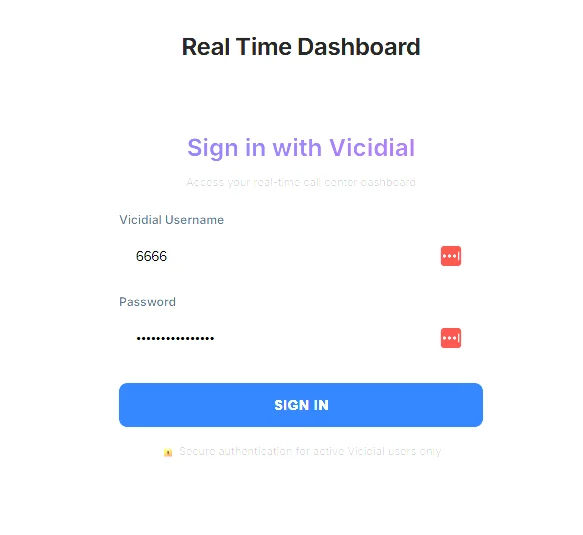
Enjoy! — HBT Dashboard (safe, need login user level 8 and 9 )